What Is an API? 5 Real Ways Developers Use Them Today
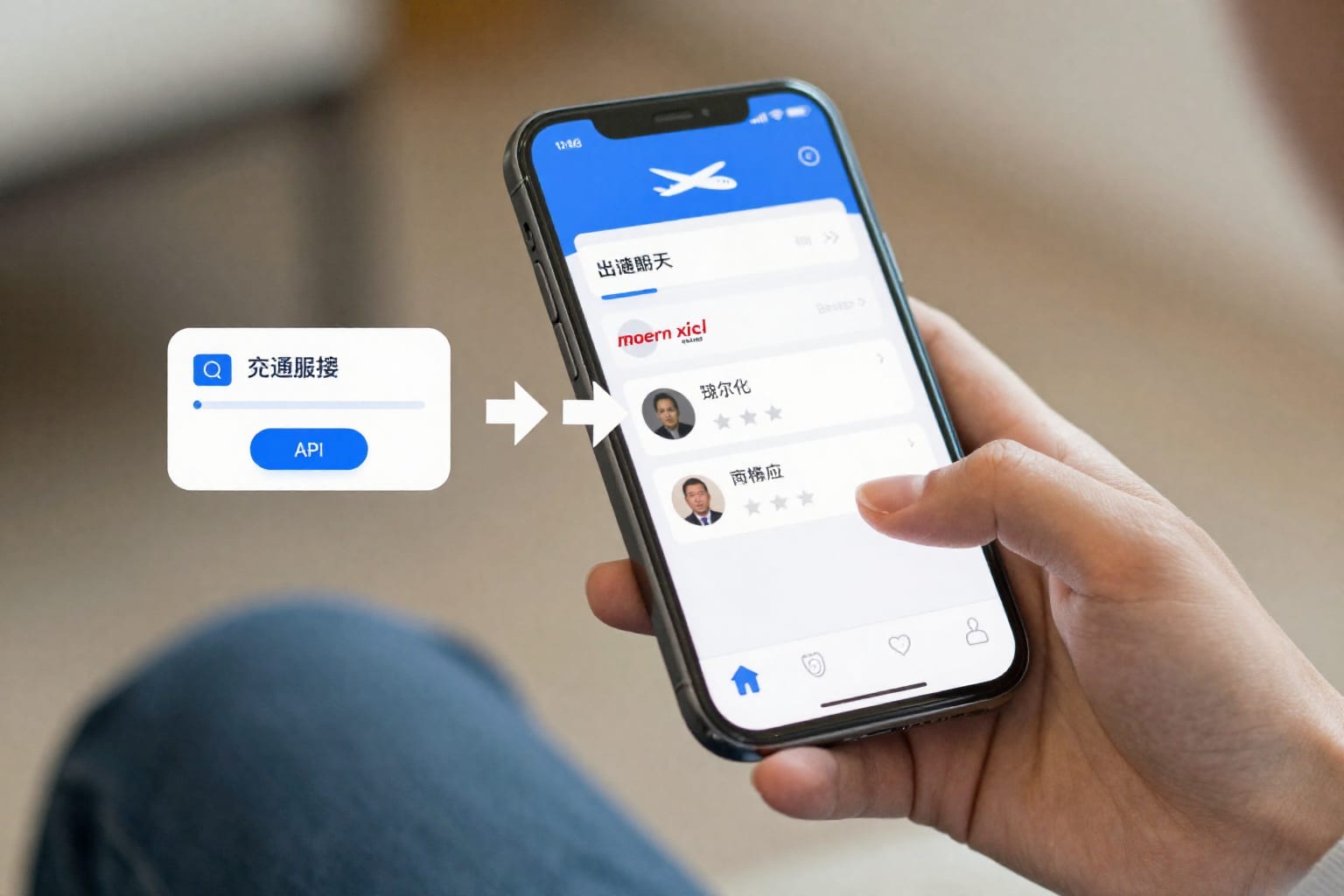
I was sitting in a coffee shop last winter, staring at my laptop screen, trying to explain to my friend what an API is. She’s a graphic designer—not a developer—and she’d just asked, “But how does my weather app know it’s raining right now in my city?” I opened my mouth to launch into a tech explanation, then stopped. Instead, I pointed at the barista behind the counter.
“See that waiter?” I said. “That’s an API.”
She looked confused. But by the time I finished the analogy, she was nodding. And that’s the whole point of this article: what is an API and how do developers use them—in plain language, with real examples you can touch, click, and see today. I’ve spent years working with APIs as a developer, and I still remember how abstract they felt at first. So let’s fix that.
1. What Is an API? The Simple Analogy That Finally Makes It Click
An API—Application Programming Interface—is a messenger that takes a request from one piece of software, tells another piece of software what’s needed, and brings the response back. It’s the waiter in the restaurant.
You (the app you’re using, like your weather app) tell the waiter (the API) what you want: “I need the current temperature in Portland.” The waiter goes to the kitchen (the server, where the data lives), gets the order ready, and returns with your plate: a JSON object containing “temperature: 58°F.” You don’t need to know how the kitchen works, what ingredients they use, or how the stoves are configured. You just get your data.
That’s the core of how an API works. It’s a contract: if you send a properly formatted request, you get a predictable response. No fuss, no backend access, no password sharing.
1.1 The 3 Core Actors: Client, Server, and the API Contract
Every API interaction has three roles:
- Client – The app or service making the request (e.g., your phone’s weather app).
- Server – The remote computer holding the data or logic (e.g., the National Weather Service’s database).
- API Contract – The documented rules: what endpoints exist (e.g.,
/current-weather), what parameters to send (e.g.,city=Portland), and what format the response will be (usually JSON).
When a developer builds an app, they don’t reinvent the wheel for every feature. Instead, they call an API. It’s like ordering from a menu rather than cooking every meal from scratch.
2. Real Use Case #1: Booking a Flight or Hotel Online
You’ve probably used Kayak, Expedia, or Google Flights. When you search for a flight from New York to London, the site doesn’t have a database of every flight in the world. Instead, it sends API requests to dozens of airline systems—Delta, British Airways, United—asking for available seats and prices. Each airline’s API responds with a data packet. Kayak’s frontend assembles all those responses into one page.
I once built a small travel scraper for a side project. I used the Amadeus API (a popular travel data API) to pull live flight prices. The first time I got back a structured list of flights with exact fares and timings, I felt like I’d unlocked a superpower. The API did all the heavy lifting—I just made a GET request and parsed the JSON. Without APIs, every travel site would need to manually negotiate data-sharing agreements and build custom integrations with every airline. APIs make the whole industry work.
3. Real Use Case #2: Logging In with Google or Facebook (OAuth)
You know that “Sign in with Google” button that appears on almost every website? That’s an API at work—specifically, an OAuth 2.0 authentication API.
When you click that button, your browser sends a request to Google’s API saying, “Hey, this user wants to log in to ExampleApp.com. Can you verify their identity and share their email?” Google’s API checks that you’re logged into your Google account (and that you consent), then sends back a tiny token. The website never sees your password. It only gets a verified email address and maybe your name.
I’ve implemented OAuth for a personal project, and the first time I saw the token exchange work—redirect to Google, then back to my app with the user’s info—it felt like magic. But it’s just an API following a strict protocol. Without it, every site would need its own login system, which means more passwords to remember and more security risks.
4. Real Use Case #3: Getting Weather or Live Sports Scores
Weather apps and sports scoreboards are pure API consumers. They don’t generate data—they fetch it.
Take the OpenWeatherMap API. It’s a free public API that returns current weather, forecasts, and historical data. You send a request like:
GET https://api.openweathermap.org/data/2.5/weather?q=London&appid=YOUR_API_KEY
And it returns a JSON object with temperature, humidity, wind speed, and more. I used this API in a weekend project to build a dashboard that showed the weather for every city I’d ever lived in. It took me about two hours to get it working. The hardest part was reading the documentation.
Sports fans rely on APIs too. The ESPN API (unofficial but widely used) provides live scores, stats, and schedules. When you refresh a scoreboard during a game, your app is calling that API again to get the latest data. No API, no live updates.
5. Real Use Case #4: Processing Payments with Stripe or Square
Every time you buy something online and enter your credit card details, a payment API is working behind the scenes. The most popular is Stripe.
Here’s the flow: You click “Buy Now.” The website sends your payment info (encrypted) to Stripe’s API. Stripe’s server talks to the bank, authorizes the transaction, and sends back a response: success or failure. The website never stores your full card number. It just receives a token from Stripe that says “transaction completed.”
I integrated Stripe into a small e-commerce store I built for a friend’s candle business. The first time a test payment went through—and I saw the money appear in Stripe’s dashboard—I was genuinely excited. The Stripe API documentation is famously clear, with code samples in multiple languages. Without it, building a payment system would require dealing directly with banks, PCI compliance, and a ton of red tape. APIs turn a nightmare into a few lines of code.
6. Real Use Case #5: Connecting ChatGPT or Other AI Assistants
You’ve probably heard about ChatGPT, but did you know that developers can embed its AI into their own apps using an API? That’s the OpenAI API (or ChatGPT API).
Instead of building a language model from scratch—which would require millions of dollars and years of research—a developer can send a prompt to the API and get a human-like response. For example, a customer support app can send a user’s question to the OpenAI API and receive a draft reply. A code editor can send a block of code and ask the API to explain it.
I’ve used the OpenAI API to build a simple chatbot for a blog. The API call looks something like this in Python:
import openai
response = openai.ChatCompletion.create(model="gpt-4", messages=[{"role": "user", "content": "Explain APIs like I'm 10"}])
The response comes back as a JSON object containing the AI’s answer. It’s surreal to see a machine write coherent paragraphs, but it’s just an API doing its job. This is how apps like Notion AI, Jasper, and countless others work.
7. How to Start Playing with APIs (Even If You’re Not a Developer)
You don’t need to be a programmer to get your hands dirty with APIs. Here’s a low-risk path:
- Install Postman – It’s a free tool that lets you send HTTP requests without writing code. You can type a URL, add parameters, and see the response in a clean interface.
- Find a free public API – OpenWeatherMap, GitHub API, or the Cat Facts API are all free and well-documented. Go to their website, sign up for an API key (usually free), and paste the key into Postman.
- Read the documentation – Most APIs have a “Getting Started” page. Try a simple
GETrequest first. For example, call the OpenWeatherMap API for your city and see the JSON response. - Experiment – Change parameters, try different endpoints, see what happens when you send a bad request (you’ll get an error code). This is exactly how I learned APIs—by breaking things and reading error messages.
Worth bookmarking this section if you’re planning to try it later. The first time you see a live API response, it’s a real “aha” moment.
8. The Bottom Line: APIs Are the Glue of Modern Software
APIs are not some obscure developer-only concept. They are the invisible connectors that make your apps work—booking a flight, logging in, checking weather, buying something, chatting with an AI. Every time you use a modern app, you’re benefiting from an API that someone else built and documented.
Understanding what is an API and how do developers use them changes how you see software. Instead of a black box, it becomes a network of services talking to each other. And once you see that, you can start building things yourself—even if you’re not a developer yet.
The takeaway: APIs are the glue. Learn to use them, and you can build almost anything.